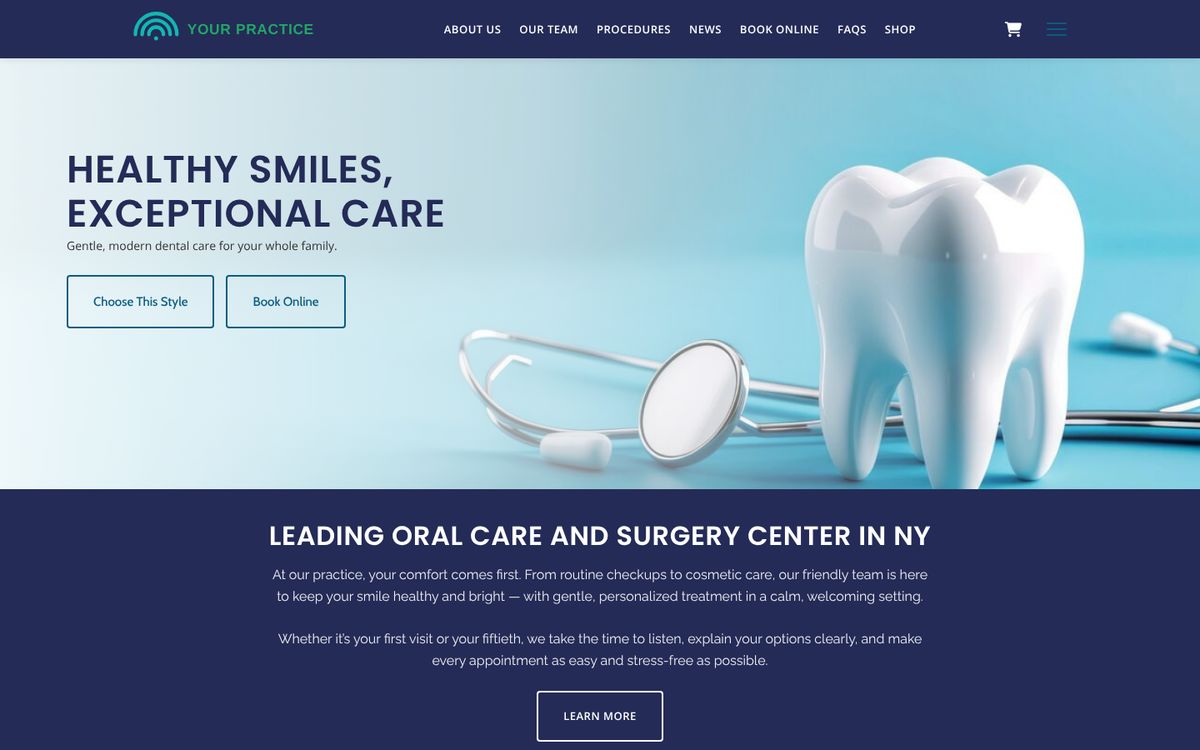
A dental practice website is judged by what it does before the patient arrives. Can a new patient find out whether you take their insurance, request a cleaning for Tuesday morning, and fill in the medical and dental history from their couch — or does all of that still happen on a clipboard at 7:55 a.m.? The practices that fill their schedules in 2026 have moved that work onto the website. Here is what a dental practice website needs: intake forms, online booking requests, and the trust signals that make a stranger choose you.
Short answer: digital new-patient forms on HIPAA-aware infrastructure with a BAA; a request-an-appointment flow that lets patients name the procedure; a clear insurance and financing page; current reviews and the team's faces on the site; procedure pages written for the questions patients search; and a fast, mobile-first design.
1. Intake forms that are done before the patient sits down
Dental intake is more than a registration card. A complete new-patient packet is medical history, dental history and current concerns, insurance (primary and secondary), consent for treatment, financial responsibility, release of information, and a parent/guardian form for child patients. Returning patients need a short health-history update. When those forms are completed online before the visit, the front desk verifies instead of transcribes, the dentist reads a legible history, and the patient's first impression is of a practice that respects their time.
Because those forms hold health information, the website that collects them has to run on HIPAA-aware infrastructure, encrypted in transit and at rest, with a signed Business Associate Agreement from the vendor. On Clinical Media Hub, Growth and Complete include the dental form set — Medical History, Health History Update, Dental History & Current Concerns, Dental Insurance (primary and secondary), Child Patient Intake & Parent/Guardian, plus the consent, financial and release forms — and every form starts switched off until you have reviewed its wording. Staff can view each signed form as a readable record, print it, or export responses to CSV; the platform does not replace or sync with your practice-management software, and it does not try to.
2. Online booking requests, by procedure
“Book an appointment” is too vague for dentistry. Patients want to request a cleaning, an exam, whitening, or an emergency visit for a broken tooth, and they want a preferred time. A request flow that captures the procedure and the time, then lets your team confirm against the real schedule, gets the booking without handing the calendar to the internet. Our online scheduling guide has the data on how many patients now expect to book from their phone, after hours.
That is how it works on Clinical Media Hub's Growth and Complete plans: the patient chooses a service such as a cleaning, an exam or whitening and a preferred time, and your team confirms the appointment in the dashboard. You can offer several appointment types; appointment lengths and automated reminders are not configurable, so reminders stay with your practice software.
3. Insurance and financing, answered plainly
The question a new dental patient asks first is “do you take my insurance?” A page that lists accepted plans, explains in-network versus out-of-network billing in plain language, and describes financing or membership options keeps the phone from ringing with the same question and keeps a prospective patient from leaving to find a practice that answered it. Keep it current — an out-of-date insurance page is worse than none.
4. Trust signals: reviews and real faces
Dental anxiety is real, and a stranger choosing a dentist is choosing a person. 84% of patients check online reviews before choosing a new provider, 51% read at least six first, and 61% now put reviews ahead of personal referrals (rater8, survey of 1,008 U.S. patients). Consumers increasingly want a 4.0+ rating and at least 20 reviews (BrightLocal, 2026). Show your current Google rating and recent reviews on the website, and ask satisfied patients for new ones steadily and with consent — review requests should go once, only to patients who agreed to hear from you, and never include clinical details.
Then put the team on the site: the dentist and hygienists by name, with photos and a sentence about how they treat nervous patients. One caution that dental practices have paid for: when replying to a review, never confirm the reviewer is a patient or reference their treatment. A dental practice settled with the HHS Office for Civil Rights for exactly that. The safe reply pattern is in our local SEO data guide.
5. Procedure pages written for the questions patients search
“How much does a crown cost,” “does a root canal hurt,” “Invisalign vs braces,” “emergency dentist near me” — each is a page. A procedure page that answers the question a patient actually typed, in plain language, with what to expect and what affects the cost, ranks for that search and pre-sells the visit. Keep the claims to what your dentist will say in the chair, and keep the page descriptive rather than diagnostic. A steady blog on preventive, restorative and cosmetic care does the same job month after month; how a medical blog builds authority explains why it compounds.
6. A fast, mobile-first design that looks clinical and precise
Google ranks the mobile version of your website, and the Core Web Vitals “good” thresholds — largest contentful paint under 2.5 seconds, interaction to next paint under 200 ms, layout shift under 0.1 — are the bar a dental site should clear on a phone. Beyond speed, the design should signal exactly what a dental patient wants to feel: crisp, bright, exacting. We designed Clinical & Precise for dental and oral-surgery practices, with Modern & Confident as the bolder alternative; every design on the platform works for every specialty, so the choice is yours.
7. The website and your Google Business Profile, in agreement
The Business Profile is the largest group of local ranking signals and reviews are the next (BrightLocal/Whitespark, 2026); the website's job is to confirm them. Same name, address, phone and hours; a page per location; procedures on the site matching services on the profile; and structured data so search engines and AI assistants can read the practice correctly. Everything else in this checklist feeds that one result: when a patient searches “dentist near me,” the practice that shows up, with good recent reviews, and whose website lets them book and fill in the forms right then, wins the chair.
Dental website checklist: full new-patient packet online, on HIPAA-aware infrastructure with a BAA · appointment request by procedure on every page · current insurance and financing page · rating, reviews and team photos on the site · a page per procedure patients search · passes Core Web Vitals on a phone · website and Business Profile in agreement.
See the checklist on a live design: websites and patient tools for dental practices, from $179/month billed annually with a 7-day free trial, and compare plans before you subscribe.
Frequently asked questions
Which forms should a dental website offer online?
Registration, medical history, dental history and current concerns, dental insurance (primary and secondary), consent for treatment, financial responsibility, release of information, a child patient/parent-guardian form, and a short health-history update for returning patients.
Are online dental intake forms HIPAA-aware?
They are when they run on HIPAA-aware infrastructure, encrypted in transit and at rest, under a Business Associate Agreement with the website vendor. The wording of each form is a starting point your practice reviews before turning it on; procedure-specific consent still follows the dentist's discussion with the patient.
Can patients book a specific procedure online?
Yes, with a request flow: the patient picks the procedure and a preferred time, and the practice confirms against the real schedule. Fully automated booking that writes into practice-management software is a separate integration.
Does the website replace my practice-management software?
No. The website collects forms and appointment requests and gives staff a readable record, printing and CSV export; scheduling, charting and billing stay in your practice-management system.
Sources: rater8, “How Patients Choose Their Doctors” (1,008 U.S. patients, Dec 2024); BrightLocal Local Consumer Review Survey 2026; BrightLocal & Whitespark Local Search Ranking Factors 2026; HHS Office for Civil Rights (dental practice review-response settlement, 2023); Google Search Central (mobile-first indexing); web.dev Core Web Vitals. Plan and form facts as published at clinicalmediahub.com/plans and /for/dentist.
Ready to grow your practice's online presence? Explore plans and start your 7-day free trial.